
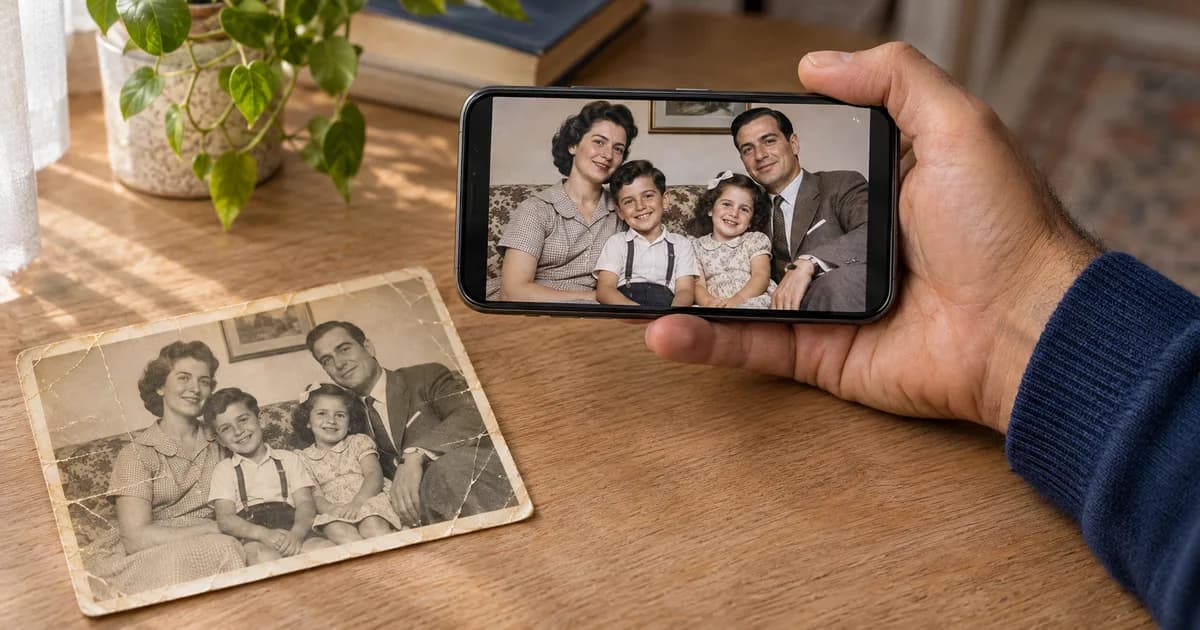
Remini is one of the best-known AI apps for sharpening faces, but it isn't the right fit for everyone. Some people find that faces come out too smooth, the free version has limits, or they need an app made for old, damaged prints. If you're looking for a Remini alternative for old family photos, this guide compares 6 options, from free tools to paid apps, on iPhone, Android and the web.
Quick Answer: The Best Remini Alternative for Each Need
| Need | Best alternative | Why |
|---|---|---|
| Best for old photos | ClearPastAI | Built only for restoring old photos, with free restores every day by watching a short ad and no watermark |
| Best for family history | MyHeritage | Repair and colorize tools next to MyHeritage's family tree features |
| Best for scanning whole albums | Photomyne | Scans album pages and splits them into separate photos automatically |
| Best for editing afterwards | Picsart | Full creative editor with a built-in restore tool |
| Best in a browser | Canva | Free restore tool inside Canva, with nothing to install |
| Best free option for tech users | GFPGAN | Free, open-source face restoration model, but needs technical setup |
Why People Look for a Remini Alternative
In reviews and forum threads on Reddit, Quora and Facebook, the same reasons come up again and again:
-
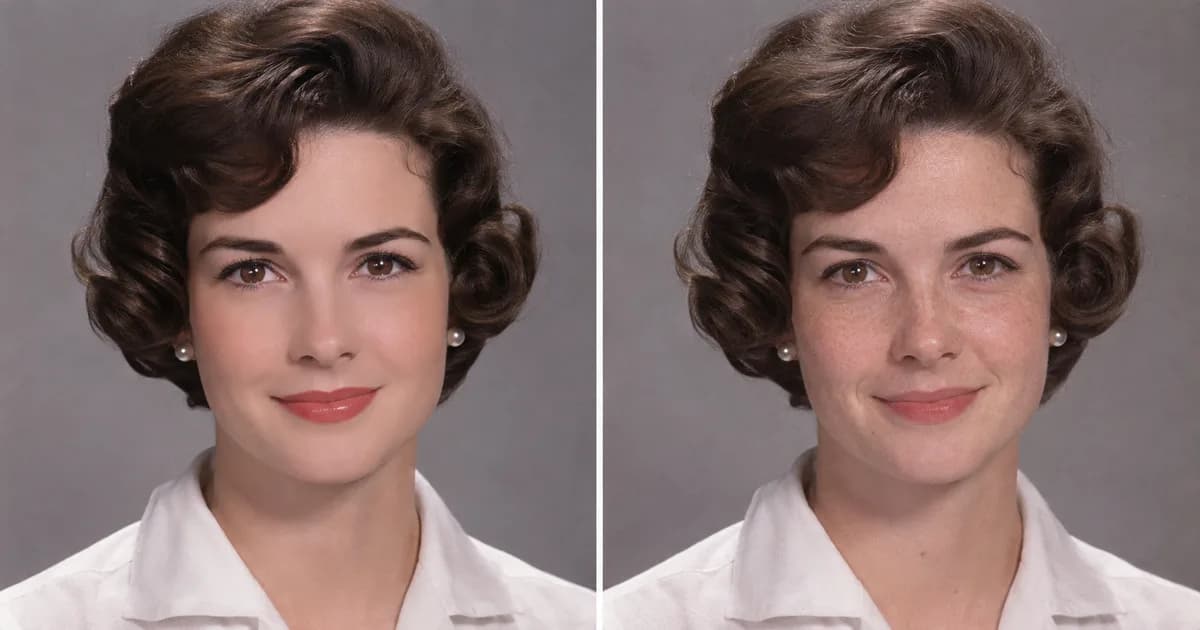
Faces can look over-processed. Strong sharpening can make skin look smooth and artificial, which matters on old portraits where you want people to look like themselves.
-
The free version is limited. Reviewers report ads, a daily limit on enhancements and a watermark on free results.
-
It's subscription-based. Remini sells weekly, monthly or yearly plans, and prices vary by country.
-
It focuses on faces. For old prints with scratches, creases, stains or faded color, an app built for restoration can be a better fit.
 Illustrative image generated with AI.
The 6 Best Remini Alternatives
1. ClearPastAI
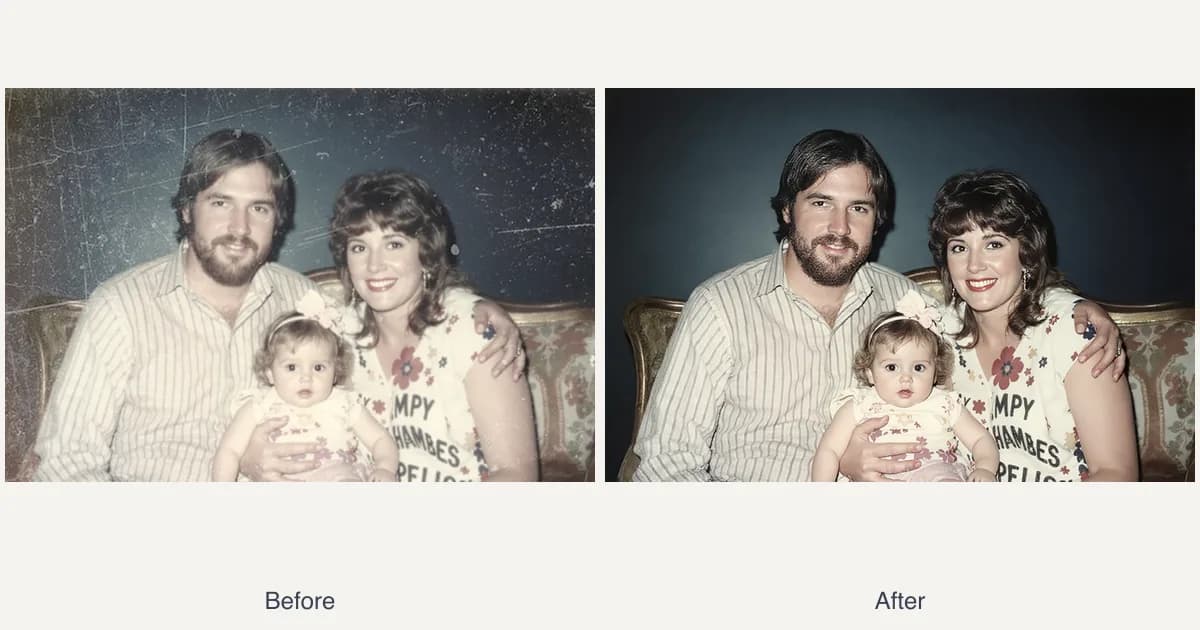
ClearPastAI is built only for restoring old photos. You pick a photo from your camera roll, and the app repairs damage, brings back faded color, sharpens faces and can add color to black and white pictures. Then you compare before and after side by side and save the result in full resolution. Every feature works the same on iPhone, iPad and Android.
-
Works on: iPhone, iPad, Android
-
Price: Free to download. Get free restores every day by watching a short ad, with no watermark on your photos.
-
Why choose it over Remini: it's made for old, damaged prints, not just sharpening faces, and in our side-by-side test it gave the most natural results.
See the full Remini vs ClearPastAI comparison.
2. MyHeritage
MyHeritage is a family history company. Its photo tools (enhance, repair and colorize) are in its Reimagine app and on the MyHeritage website.
-
Works on: iPhone, Android (Reimagine app), web
-
Free version: a limited number of photos for free, then a subscription
-
Why choose it over Remini: a natural fit if you already build your family tree on MyHeritage
3. Photomyne
Photomyne is mainly a scanning app. It digitizes whole albums, slides and negatives, and finds, crops and rotates each photo for you.
-
Works on: iPhone, Android
-
Free version: a basic version with ads and limits; full features need a premium plan
-
Why choose it over Remini: the best choice when you have boxes of prints to digitize first
4. Picsart
Picsart is a full photo and design editor with a built-in AI restore tool.
-
Works on: iPhone, Android, web
-
Free version: the web restore tool is free; reviewers report that HD downloads need a paid plan
-
Why choose it over Remini: you can keep editing in the same app after the restore (text, collages, effects)
5. Canva
Canva's photo restoration tool fixes creases, tears and discoloration in one click, right inside Canva.
-
Works on: iPhone, Android, web
-
Free version: the restore tool is free; adding color to black and white photos (Colorify) needs Canva Pro
-
Why choose it over Remini: handy if you're making a card, collage or memorial slideshow in Canva anyway
6. GFPGAN
GFPGAN is a free, open-source AI model for restoring faces. It's often suggested on Reddit as a free Remini alternative.
-
Works on: your own computer (with technical setup) or third-party websites that run it
-
Free version: the model itself is free
-
Why choose it over Remini: free and flexible, but you need some technical skill to run it yourself
Learn how it compares to CodeFormer in AI face restoration: GFPGAN vs CodeFormer.
 Restoration example from the ClearPastAI site gallery.
Free Remini Alternatives
If you mainly want to avoid paying, here's what each alternative gives you for free:
| App | What's free |
|---|---|
| ClearPastAI | Free restores every day by watching a short ad, with no watermark |
| MyHeritage | A limited number of photos, then a subscription |
| Photomyne | Basic version with ads and limits |
| Picsart | Free web restore tool; HD downloads need a paid plan |
| Canva | Free restore tool; adding color needs Pro |
| GFPGAN | The model is free, but needs technical setup |
Free limits and prices change often and differ by country, so check the App Store or Google Play listing before you subscribe.
 Illustrative image generated with AI.
Remini Alternatives for iPhone and Android
| App | iPhone | Android | Web |
|---|---|---|---|
| ClearPastAI | Yes | Yes | No |
| MyHeritage (Reimagine) | Yes | Yes | Yes |
| Photomyne | Yes | Yes | No |
| Picsart | Yes | Yes | Yes |
| Canva | Yes | Yes | Yes |
| GFPGAN | No | No | Via third-party sites |
With ClearPastAI, every feature is the same on iPhone, iPad and Android. For a wider list of apps, see our guide to the best photo restoration app.
Remini vs ClearPastAI at a Glance
| Remini | ClearPastAI | |
|---|---|---|
| Built for | Sharpening faces and photos | Restoring old photos |
| Works on | iPhone, Android, web | iPhone, iPad, Android |
| Free version | Limited enhancements per day, with ads and a watermark (as reported by reviewers) | Free restores every day by watching a short ad, with no watermark |
| Paid plans | Weekly, monthly or yearly subscriptions | Free to download |
For the full side-by-side, read Remini vs ClearPastAI.
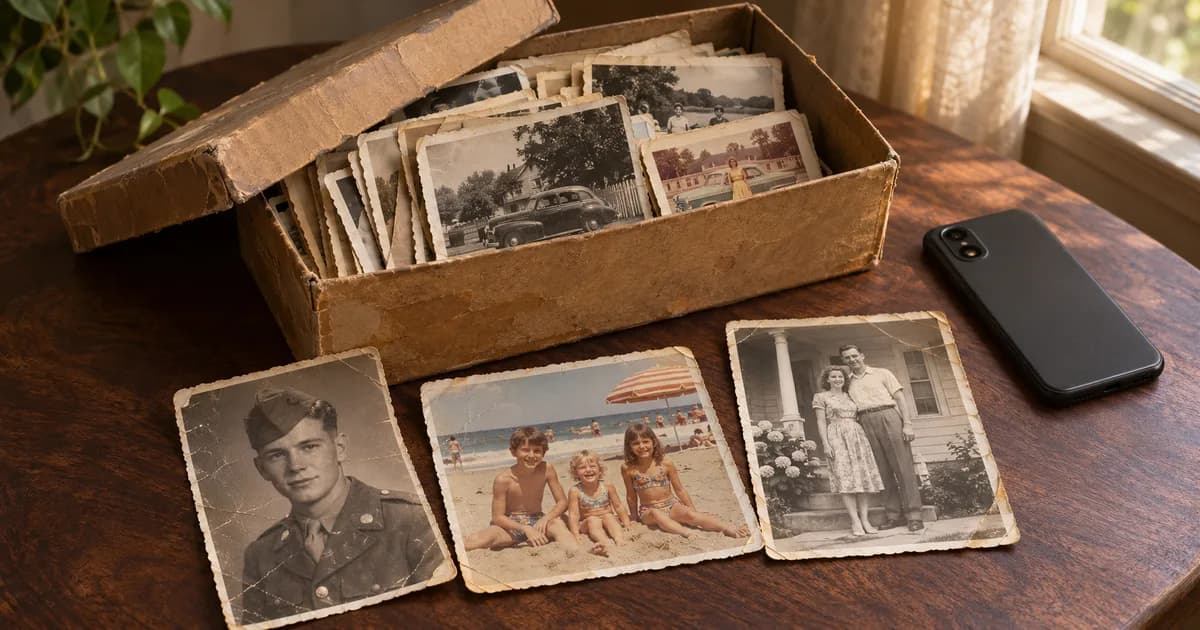 Illustrative image generated with AI.
Frequently Asked Questions
Is there a better app than Remini?
It depends on what you need. For old, damaged family photos, ClearPastAI is a strong choice because it's built only for restoration and works the same on iPhone, iPad and Android. If you build family trees, MyHeritage is a good fit, and if you need to scan whole albums first, try Photomyne.
What are some free apps similar to Remini?
ClearPastAI gives you free restores every day by watching a short ad, with no watermark on your photos. Picsart and Canva also have free restore tools on the web, and GFPGAN is a free open-source option for people comfortable with technical setup.
Is there a free version of Remini?
Yes. Remini is free to download, but reviewers report that the free version has ads, a daily limit on enhancements and a watermark on results. Full access needs a subscription.
Can Remini restore old photos?
Remini can sharpen faces in old photos. For prints with scratches, creases, stains or faded colors, an app built for restoration, like ClearPastAI, is often a better fit.
Try ClearPastAI on Your Old Photos
Pick an old photo, let ClearPastAI restore it, and compare the before and after in seconds. It's free to download on iPhone, iPad and Android, with free restores every day when you watch a short ad.